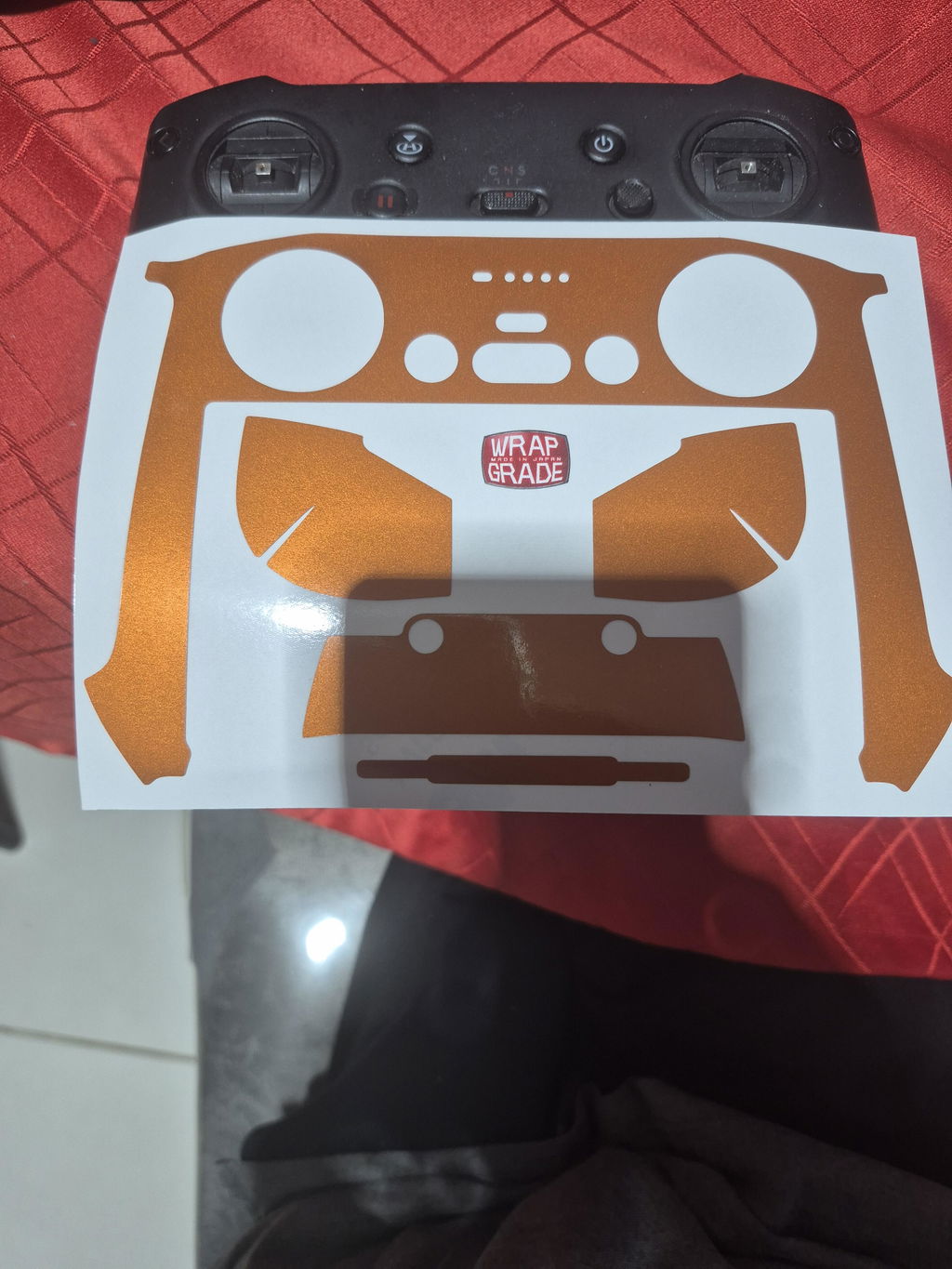
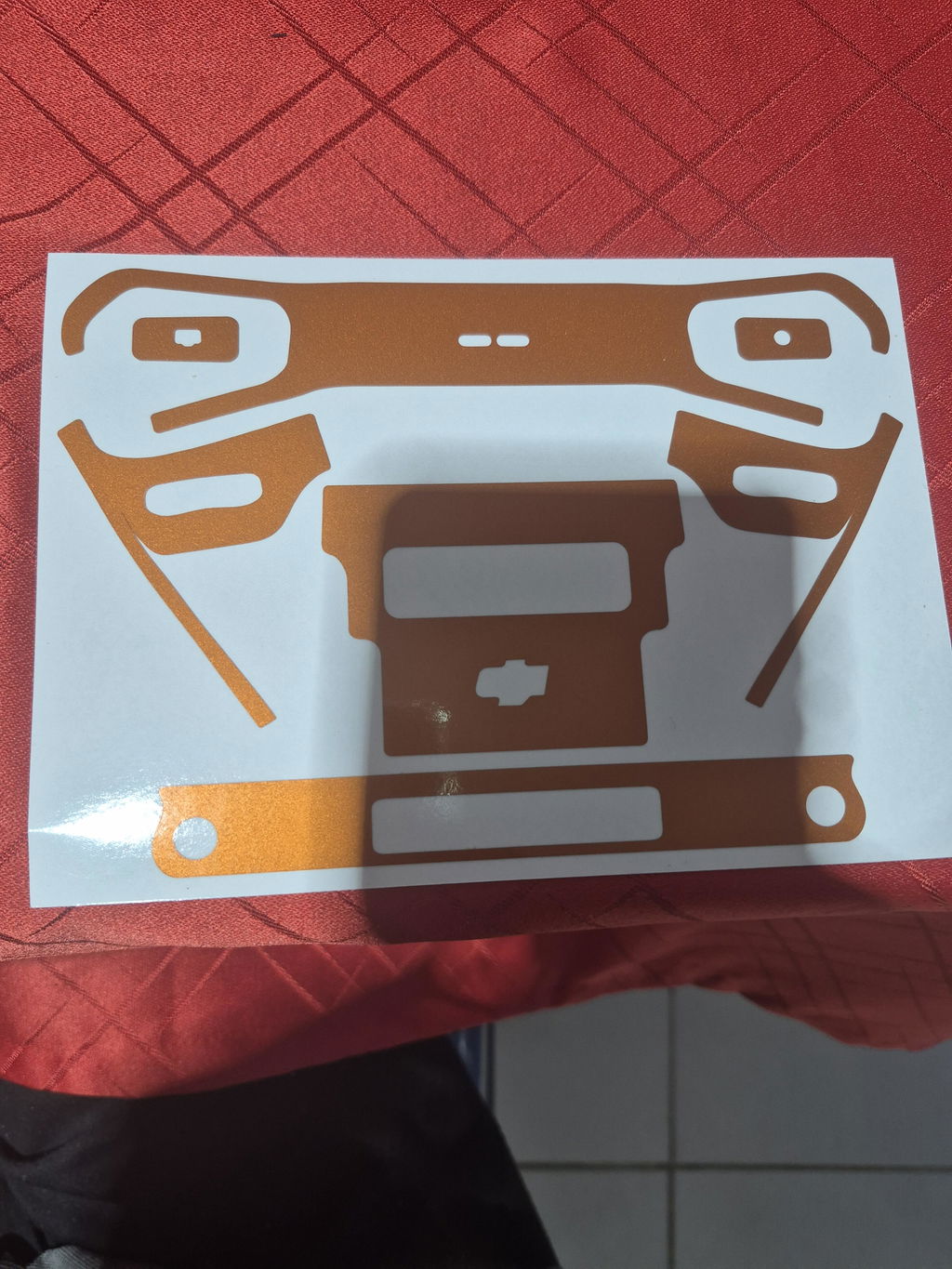
For the serial number of DJI drone products, check the outer box or a specific location on the main unit. Displaying the registration mark is required for drone registration. Please use WRAPGRADE stickers.
DJI, the drone manufacturer, is a famous Chinese manufacturer boasting a world-class market share. It has released various popular series such as "Phantom" and "Mavic", and not a few people in Japan use them. And for drones to fly outdoors, regardless of whether they are DJI products or not, registration with the Ministry of Land, Infrastructure, Transport and Tourism is required.
A serial number is required for drone registration.
To fly a drone outdoors, it is necessary to register each aircraft with the Ministry of Land, Infrastructure, Transport and Tourism and display the "registration mark" assigned to the main unit. One of the pieces of information necessary to display the registration mark is the drone's "serial number."
How to check DJI serial numbers
Anyone who owns a DJI product can look up its serial number.
・Check the outer box
One way to check the serial number is to look at the outer box (packaging box) that the product came in when you purchased it. The serial number is written on a sticker attached to the outer box.
If you are unsure which is the serial number, look for a sticker with two sets of numbers and a barcode printed on it. If there is a barcode labeled "S/N", the number sequence below it is the serial number.
・Check the product itself
DJI drones also have the serial number written or attached to the main unit. The specific locations are as follows:
| Product |
Location to check |
| Mavic series |
Battery compartment (written where the battery is removed) |
| Mavic Mini series |
Battery compartment lid or propeller area |
| Mavic 2 series |
Battery compartment (written where the battery is removed) |
| Phantom 4 Pro series |
Inside the main unit where the battery is removed |
| Tello |
Inside the main unit where the battery is removed |
| Inspire series |
Lower rear of the main unit |
| Matrice 200/210 series |
Near the battery at the rear of the main unit |
| Matrice 300 RTK |
Side of the main unit (towards the front) |
・Check using the dedicated app
If you couldn't find it using the methods above, you can also check using the dedicated app. DJI has a dedicated app for each product, making it easy to check.
| App |
How to check |
| DJI GO4 |
Connect to the aircraft, enter the camera view screen, and open "Details" in the menu screen. |
| DJI Fly |
Connect to the aircraft, enter the camera view screen, and open "Description" in the menu screen. |
First letters of the serial number
If you're still not confident about finding it after trying these methods, pay attention to the beginning of the serial number. This is because the first three characters are fixed for each product. Below is an example:
| Product |
First 3 characters |
| Mavic Air |
"0K1" |
| Mavic 2 Zoom |
"0M6" |
| Mavic 2 Pro |
"163" |
| Phantom 4 |
"07D" |
| Tello |
"0TQ" |
| Inspire 2 |
"09Y" |
| Spark |
"0AS" |
Also, there is a QR code next to the serial number, which can serve as a guide to help you find it.
To fly a drone outdoors, it is necessary to register each aircraft with the Ministry of Land, Infrastructure, Transport and Tourism. And what is required for aircraft registration is the "serial number" individually listed on each product. Since each serial number is unique, it helps identify the product.
For DJI products, you can generally find the serial number by checking the outer box or the main unit. However, the location on the main unit differs depending on the series, so it is recommended to know where to look. You can also check it using the dedicated app, so please try the method you find easiest.
Furthermore, after registering the aircraft with the Ministry of Land, Infrastructure, Transport and Tourism, it is mandatory to clearly display the assigned "registration mark" on the main unit. And to display it without compromising the design, using stickers is recommended. WRAPGRADE stickers will not peel off easily and will not compromise the design. Please use WRAPGRADE stickers to display your drone's registration mark.